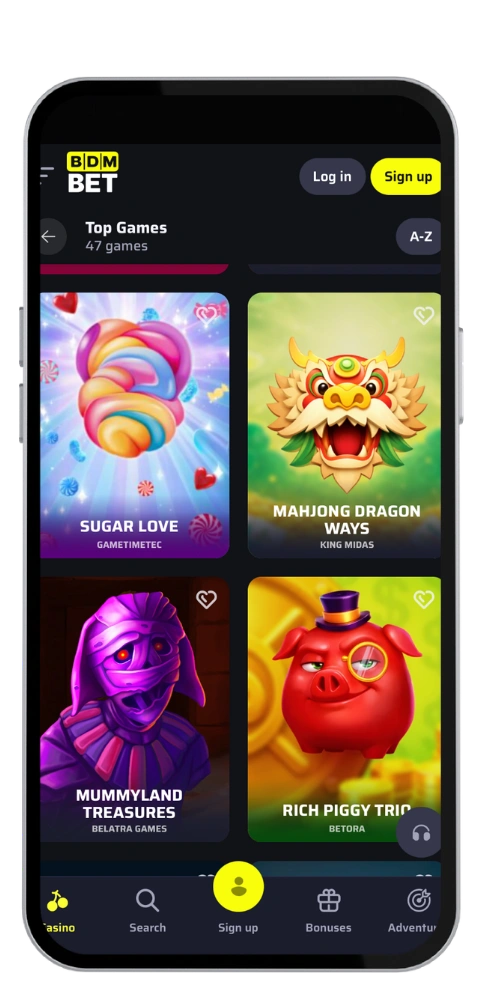
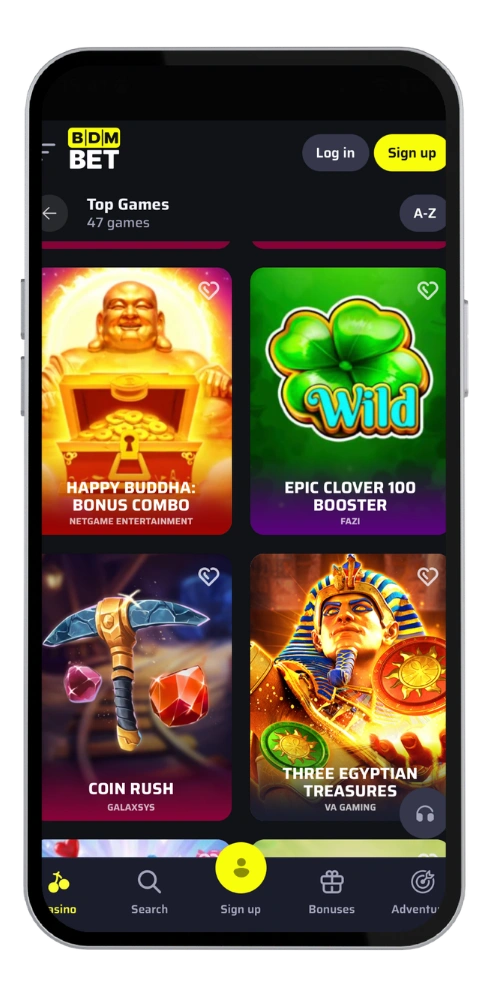
We’ve slotted the entire BDMBet casino into a tiny app that’s only 46 Mb in size, offering you 5,500+ games, tables live from Evolution and Playtech, crash games, video bingo and sports betting all on one screen. Accounts are in CAD so no conversion maths at the cashier and the interface can be toggled between English and French if you play out of Q. We’ve been issued a licence from the Curacao Gaming Control Board and every session inside our mobile app is secured with a SSL connection. Deposits hit immediately through Visa, Mastercard, Apple Pay, Google Pay, cryptocurrencies or bank transfer and there are no fees on our part.
Bonus
up to C$680 + 250 Free Spins
BDMBet Mobile App Built for Canada
The BDM Bet app: loads faster than a browser tab, keeps your favourite slots just one tap away, seamlessly pulls app updates in the background, designed for navigation with one thumb, keeping search, deposits and live chat within easy reach on any screen. We do not offer automatic login, which we feel is fair on a shared device. New players that download the mobile app and fund an account will get 100% up to C$225 plus 150 free spins on the first deposit. Test any game for free in demo mode before you bet real money.
BDMBet App Download Guide
There are two paths, both legitimate: those with an Android phone just snag the apk off our site, and if you’re an iPhone user hop on over to the App Store. No matter how you get it, the BDM Bet download will only take a few minutes and your BDM Bet balance, bonus progression and bet history will all be just as you left them.
How do I install this App on my Android?
The BDMBet android build requires Android 7.0 or greater and around 46 Mb of free space. 1. From your Mobile browser, visit the official website 2. From the app section, download the APK file. 3. Allow Installation from unknown sources in your security settings. 4. Tap the file, agree the installation and is done in less than two minutes. 5. Login or sign up and start playing, you will get the later updates as a shortcut inside the app, and you will never have to look a new version.
BDMBet Casino App for Your iOS Device
The BDMBet iOS app requires iOS 13+ and about 46 Mb on your iPhone. 1. Launch the App Store. 2. Look for (BDMBet Casino). 3. Tap on (Get) and authorise the download with your Face ID or code. 4. Let the app download and install on your device. Sign in and enjoy. That’s all. Should the app be unavailable in your local market, our web gambling platform on macOS, Windows or Safari provides you the same games, same functions and same ways of contacting support.
BDMBet App and Web Version Comparison
BDMBet Mobile inside the app is quicker to load, has your saved filters and takes less taps to the cashier, ideal if you’re a daily short session player on the bus. Browser version doesn’t need installation at all, runs on Windows, Mac or any phone, and pulls up the most current lobby as soon as we publish a game. Desktop wins on screen size for live tables and multi-bet sports slips. Cashouts process the same both ways. Withdrawal limits are set at C$1,500 daily, C$4,500 weekly and C$15,000 monthly, e-wallets hit your account within 24 hours and cards can take up to 3 working days. Use the BDM Bet access that best fits your routine as there’s just one account for both.